For agencies and sales managers
Manage on facts. Not on feelings.
Who calls in time, who converts, what was said to each client, what each agent needs to learn, and which agents should get more leads. One console, for the whole team.
Your whole team, in your pocket.
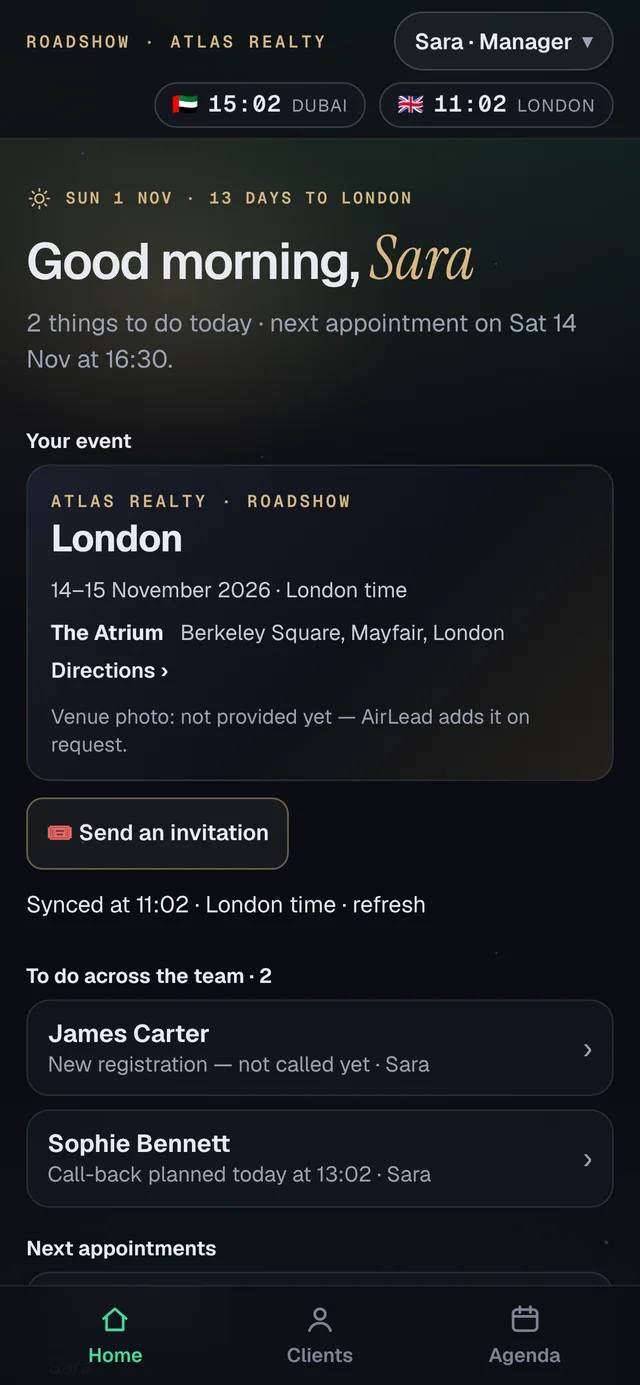
Every agent works on their phone. You see all of it on yours, and you act when a lead waits.
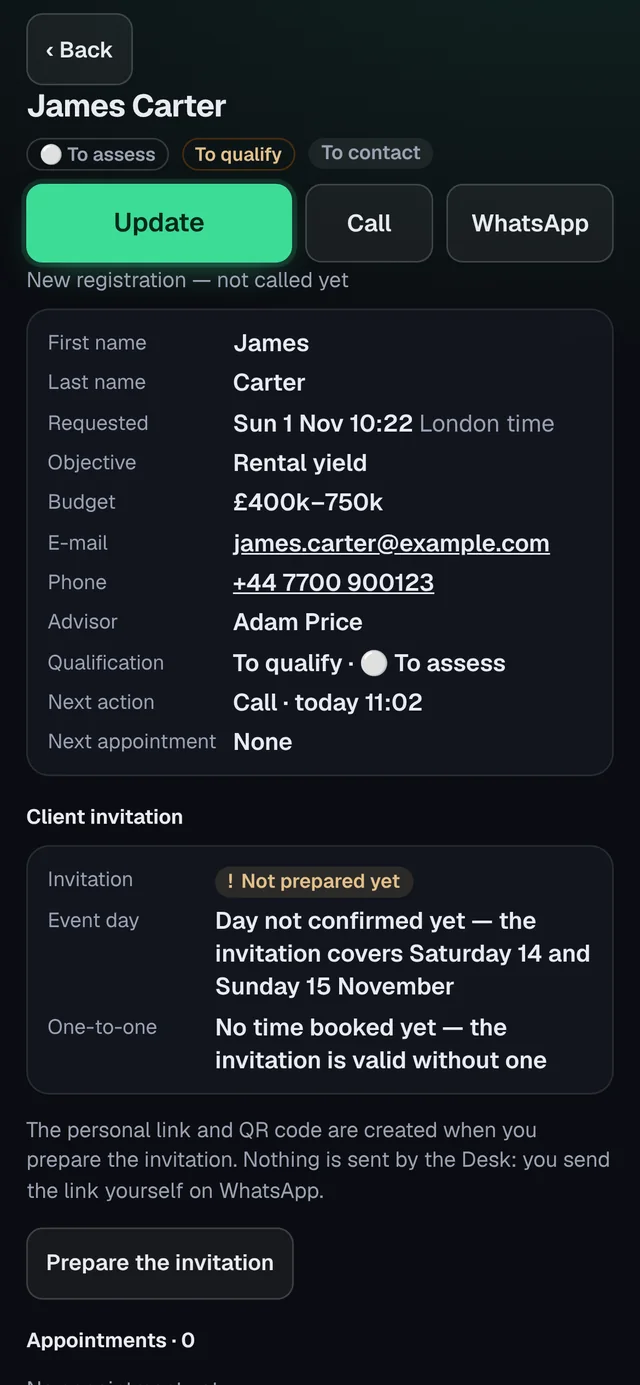 Nina · client file
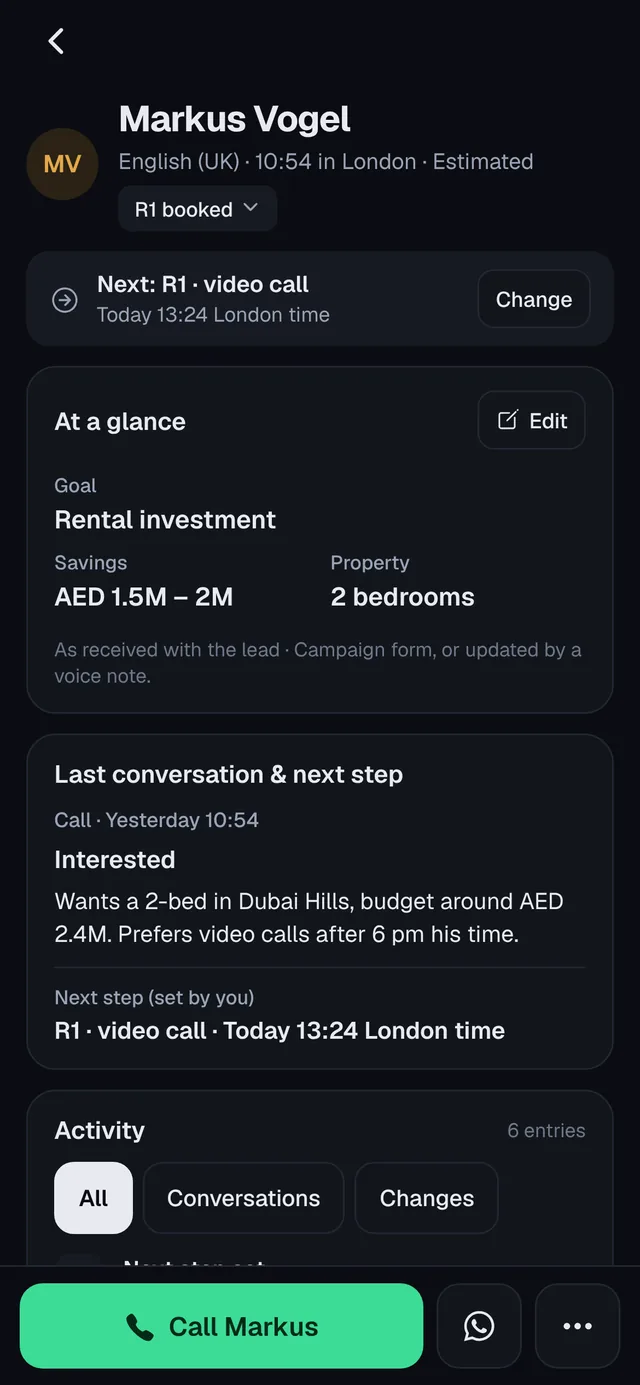 Omar · R1 at 17:00
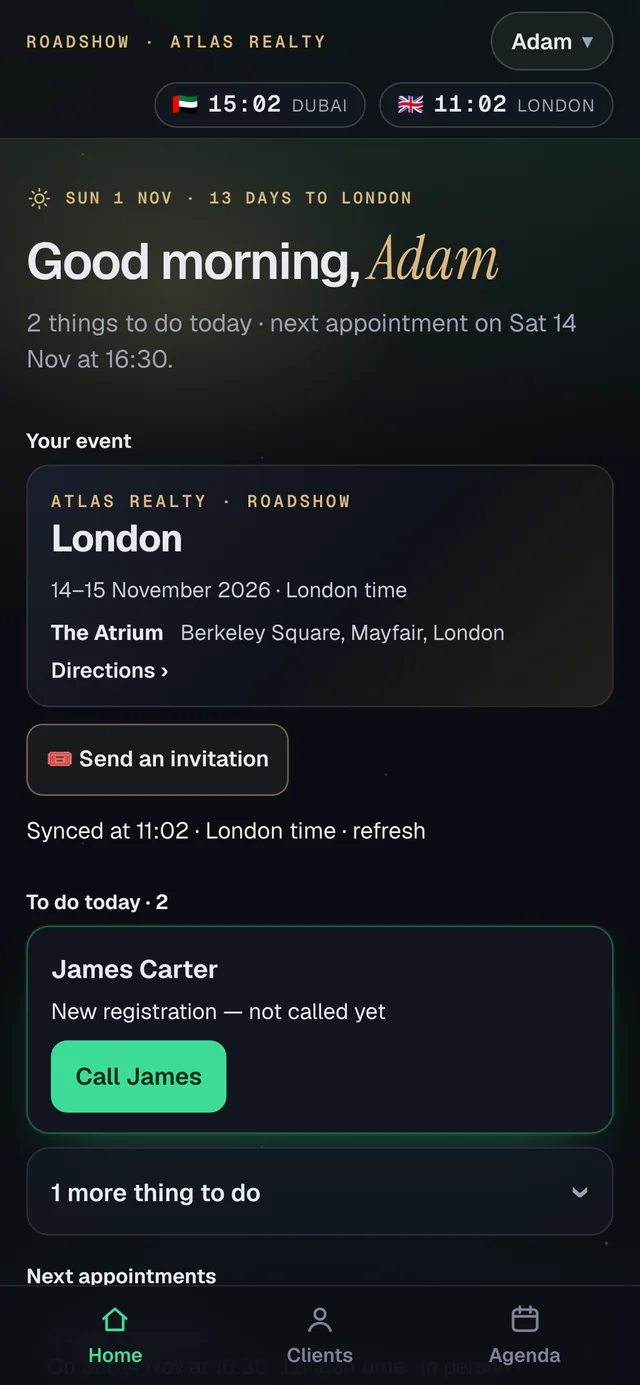 Adam · called · R1 Thursday
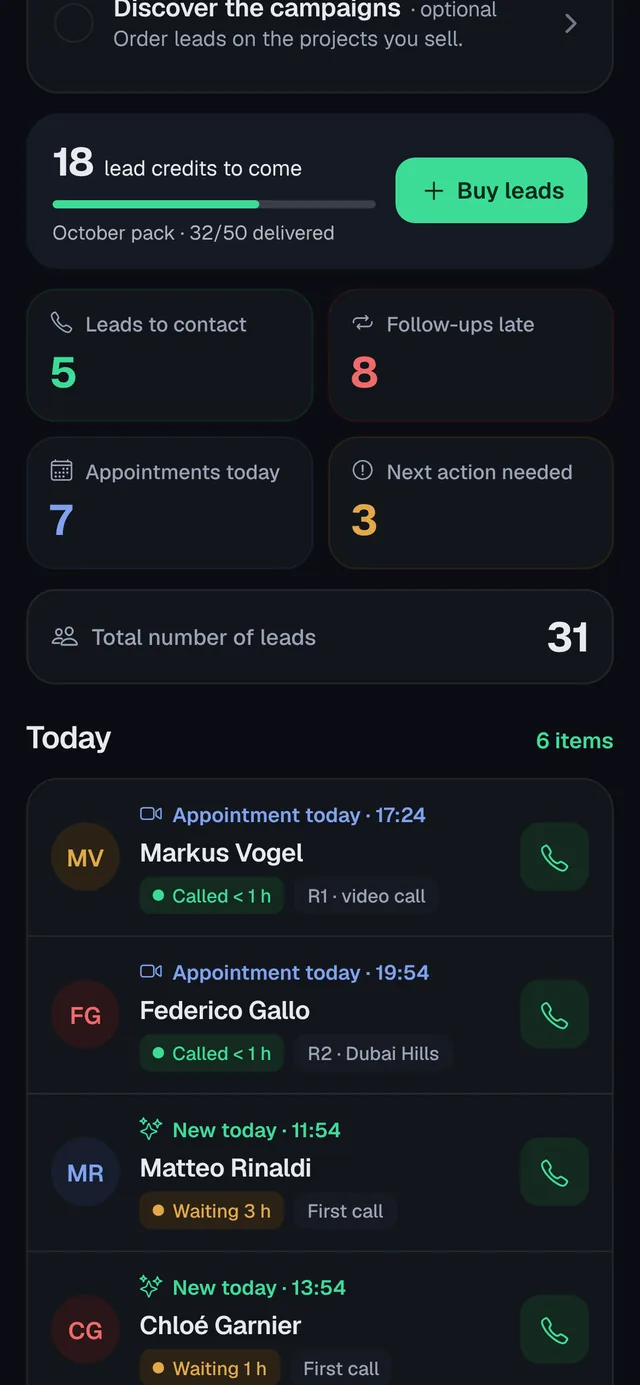 Lina · Sofia reassigned
 You · followed up
- ReceivedA new lead reaches Lina’s phone.
- Delay detectedHer next step is late: the lead is flagged to you.
- ReassignedOne tap: Sofia moves to Adam, history included.
- Followed upAdam calls and books the first meeting.
Fictional team · sample data
Your manager console.
The same team, in the console. Five views: click through them. Fictional team, sample figures.
Results per agent.
No more guessing who performs. The figures come from what agents log in the app, lead by lead.
Results by agent Beta
Leads received, first call on time, first, second and third meetings, no-shows, lost, deals declared and confirmed.
Week by week Beta
The team’s figures for each week, to run your Monday meeting in ten minutes.
Late leads Beta
Every lead whose next step is more than 2 hours late is flagged to you, agent by agent.
Full control, without micromanaging.
Reassign in one tap Beta
Move a client to another agent. The whole history moves with it.
Rotation rules Beta
Decide how new leads are shared between agents, so no lead waits for a busy agent.
Requests you decide Beta
Agents ask, for example to reopen a lost client. You approve or decline, and it is logged.
Screen protection Beta
In the phone app, screen capture of client files is blocked on Android; on iPhone a screenshot is detected and recorded. Each screen carries a discreet watermark naming the agent.
Access Beta
Invite agents by e-mail. When an agent leaves, they are deactivated and you reassign their clients; the history stays with the agency.
Every conversation on record.
Client timeline Beta
Calls, notes, meetings, files sent and stage changes, in order, for every client.
Meetings recorded Beta
With the client’s consent, Google Meet and Microsoft Teams meetings are transcribed and summarised by Milo: objections, budget, next step.
Phone calls Coming
Call recording and summaries for phone calls are being built.
Coach each agent on the right thing.
Coaching sessions Beta
Agents book short sessions to review their calls and deals.
Agent profile Coming
How each agent works: speed, follow-up, where clients drop. Built from their own results and meetings.
What to train next Coming
One concrete skill per agent, with their own recorded meetings as material.
Spend your lead budget where it pays.
Leads per deal, per agent Coming
How many leads each agent needs for one confirmed deal.
Next month’s split Coming
A proposed split of your next order between agents. You change it, then you confirm it.
Costs in view
Orders, invoices and contract in one place. Pause a subscription up to 2 months.
Lead marketplace Coming soon
Turn part of the dormant portfolio back into value, under your control. How it will work.
Approve every proposal
Agents propose, you decide. Nothing leaves the agency without your approval.
See what is in circulation
Which leads are listed, by whom, and their status.
History of every sale
Who bought, when, and on which terms.
Credits on your invoices
Credits earned and how they reduce your next AirLead invoices. Never cash.
Your rules
Who can buy, up to what amount, and which leads are eligible. Moving a lead between two of your agents stays an internal reassignment, not a sale.
Questions from managers.
Who can see client conversations and meeting debriefs? Beta
The client’s history and the debrief you confirm are visible to you, and to your agency’s manager for the agency’s clients. The raw meeting transcript is not shared with managers: only the agent who recorded the meeting, or who holds the client now, can open it. A meeting is transcribed only with the client’s consent, and the transcript is sent to our AI provider only to write the debrief. Read how Milo handles data
Who holds the leads, and who receives the credits?
The agency that pays for the leads holds the right to work them; its agents work them through the app. When the marketplace opens, resale credits go to that agency, never to an agent. The buyers’ personal data stays governed by their consent and our privacy notice. Read the terms of sale
How do I see the leads that are waiting, and reassign them? Beta
The console lists every lead whose next step is overdue, agent by agent. Reassigning moves the client to another agent with its whole history. Try the console
What happens when an agent leaves the agency? Beta
The agent is deactivated on your team (during the beta, through AirLead support) and you reassign their clients to other agents in the app. The history of each client stays with the agency. See team access
How do pause, cancellation and budget work?
They follow the terms of your pack or subscription. Under our public terms a subscription can be paused and cancelled at the end of the paid month; a signed contract takes precedence. Read the terms of sale
Run your team on facts.
Get early access for your agency. We’ll contact you to prepare your team’s setup.